🏳️
Changing the Matoha App Language
If the video does not start, use this
Step 1 - Connect to your Matoha Device.
Turn on your Matoha device and connect it to the app.
Step 2 - Open the settings
Phone/Tablet version | Desktop version |
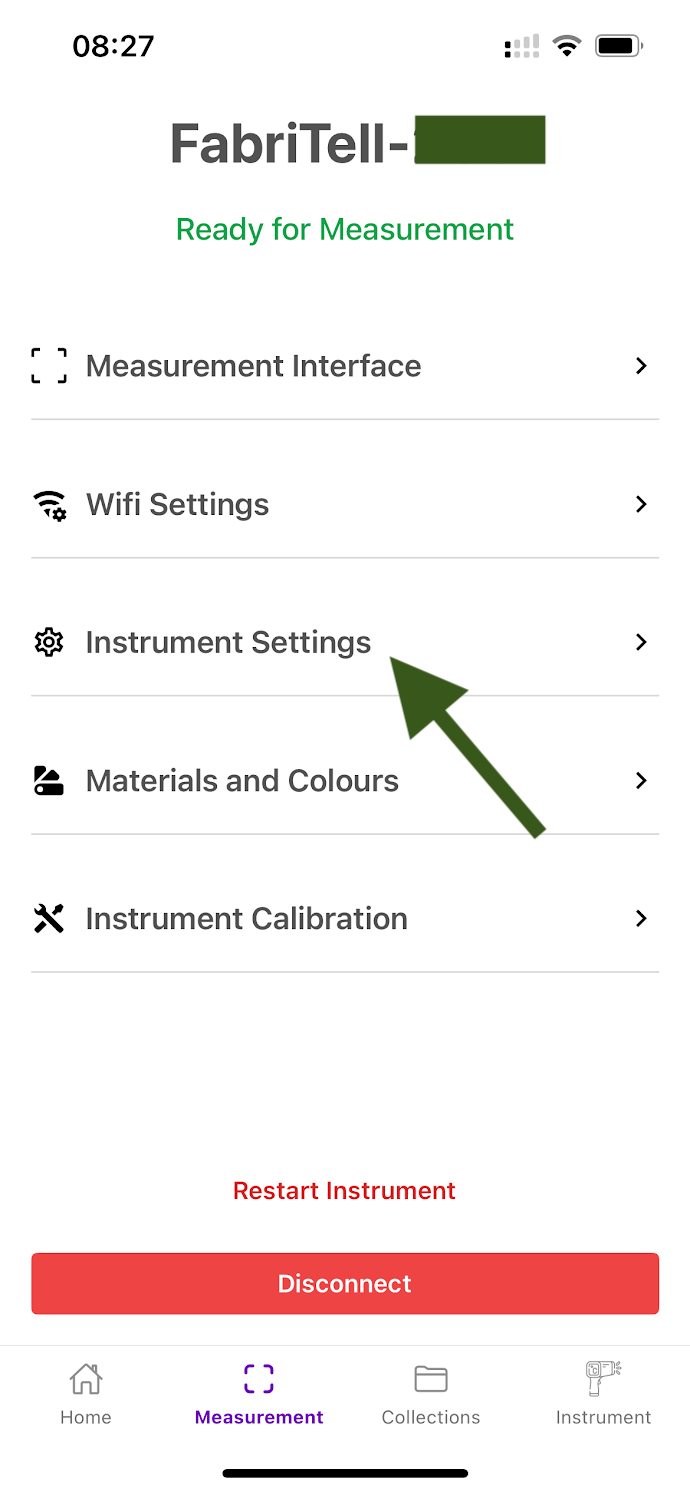
Once your Matoha device is connected to the Matoha app, select "Instrument Settings".
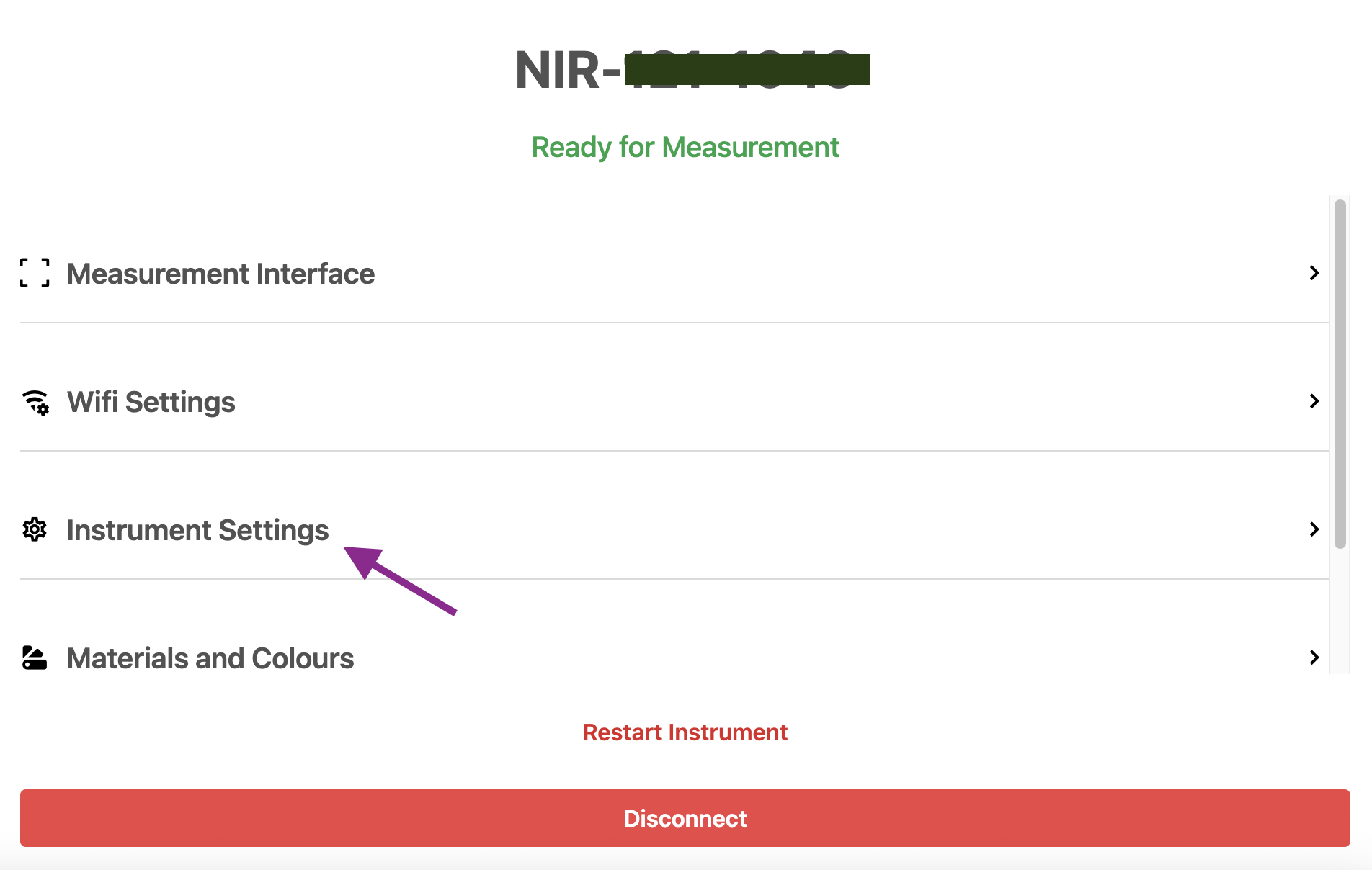
| Once your Matoha device is connected to the Matoha app, select "Instrument Settings".
|
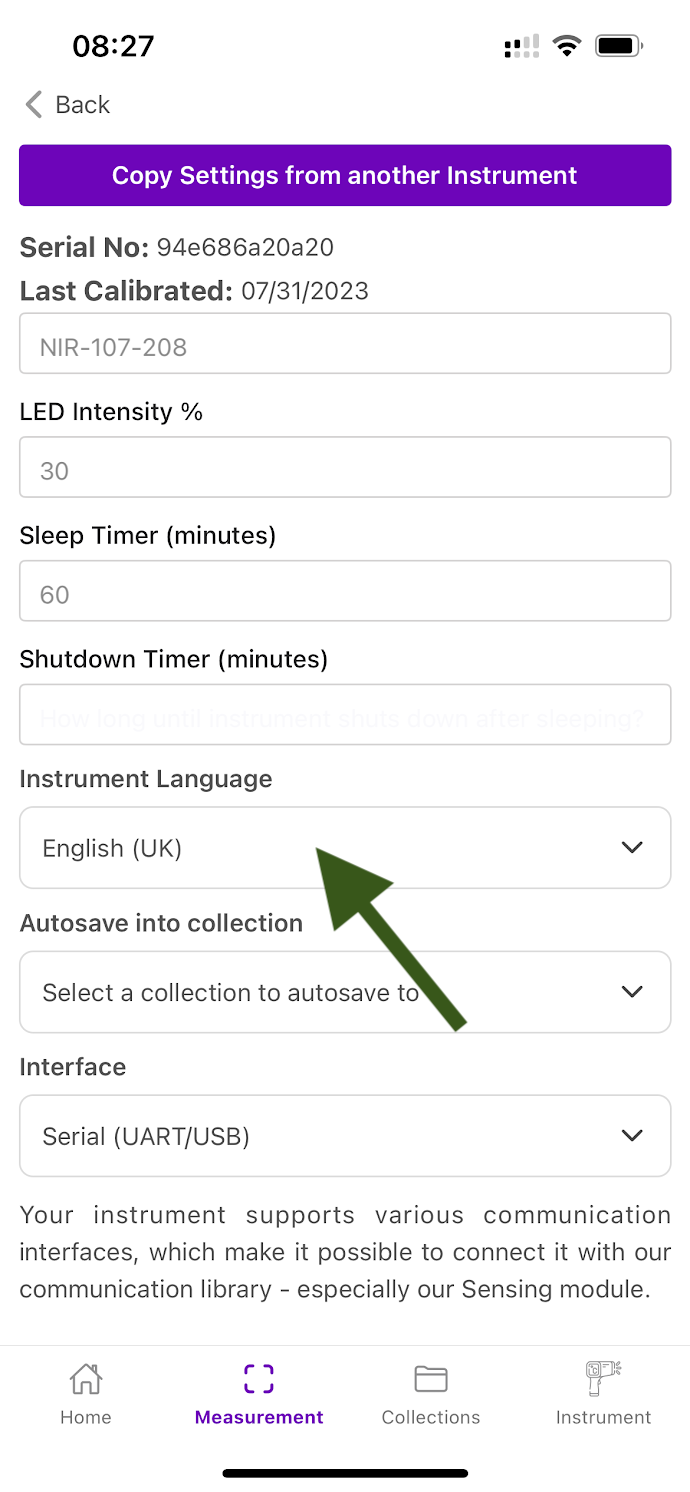
Step 3 - Choose your language
Phone/Tablet version | Desktop version |
|
|
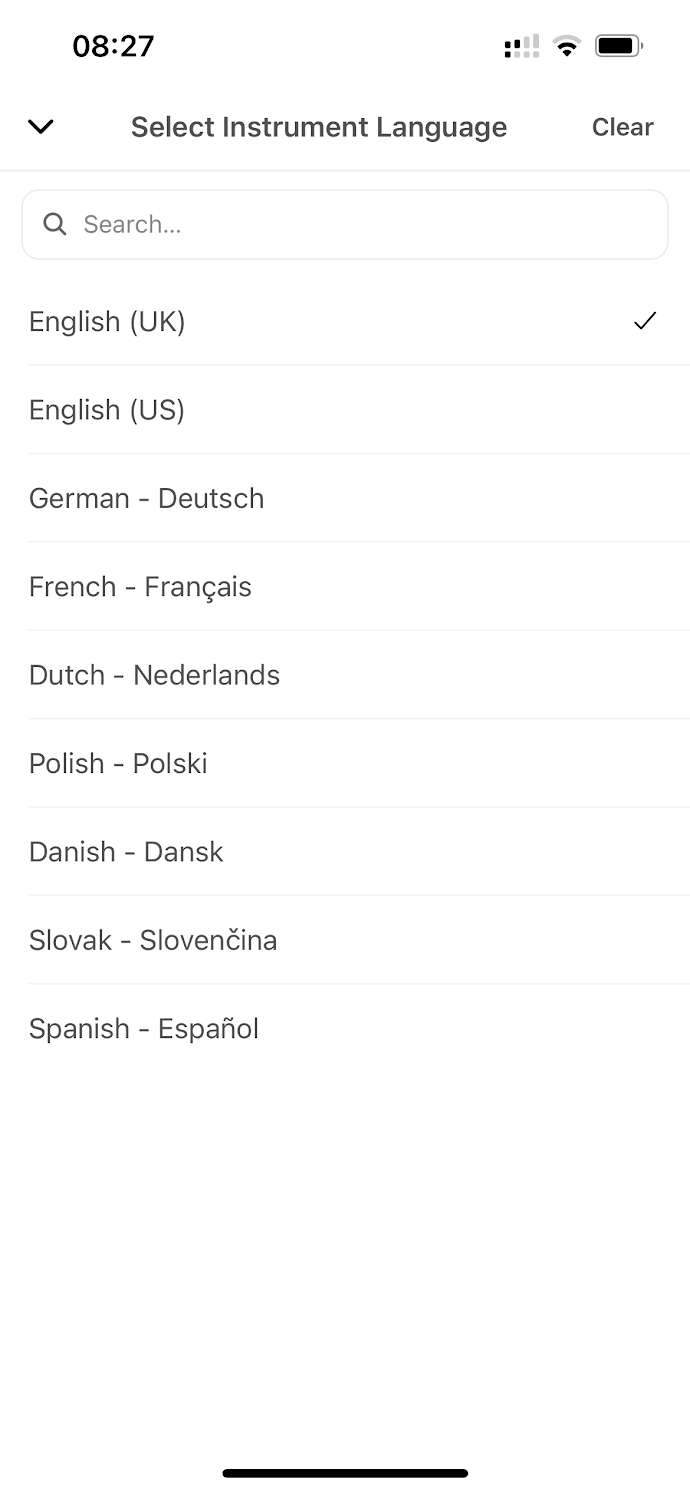
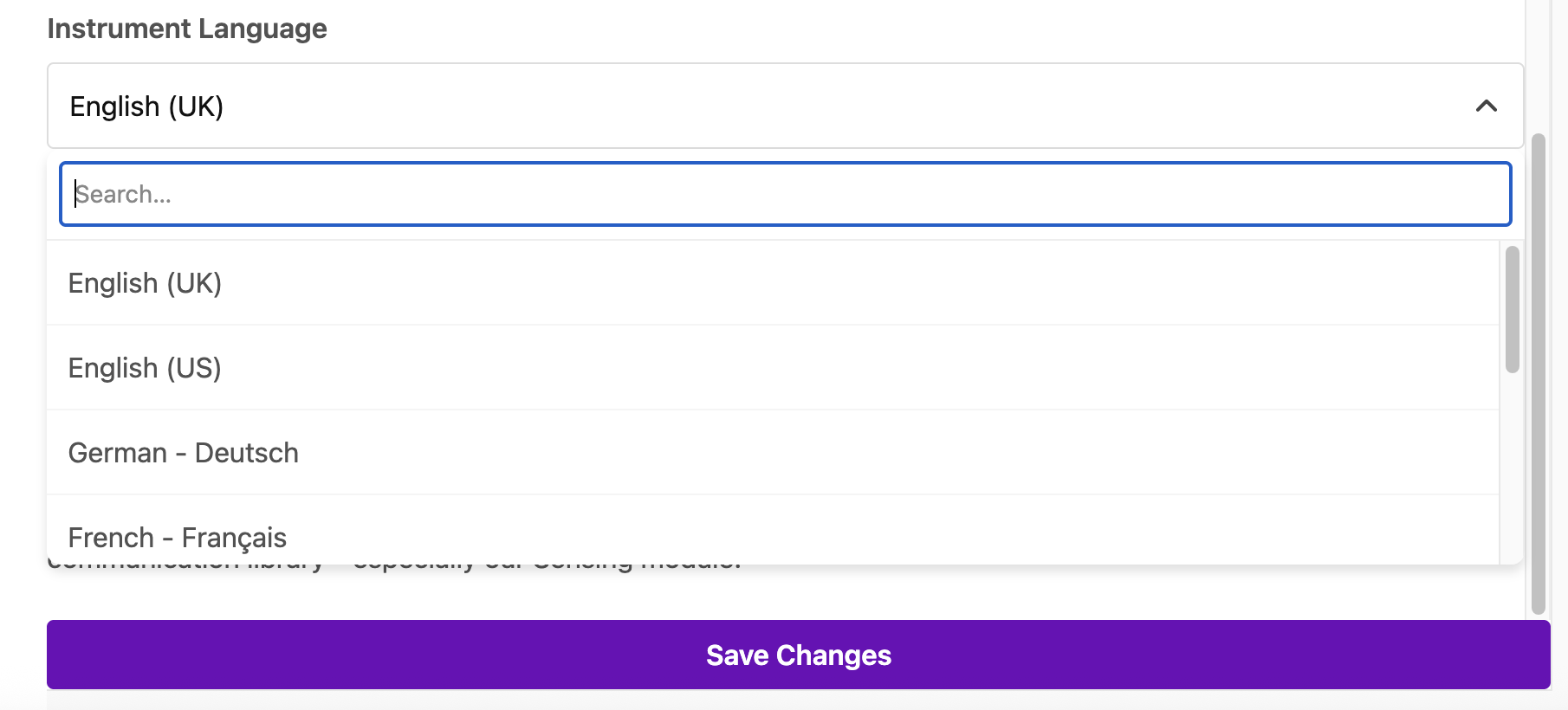
You can now use your Matoha app in your preferred language!